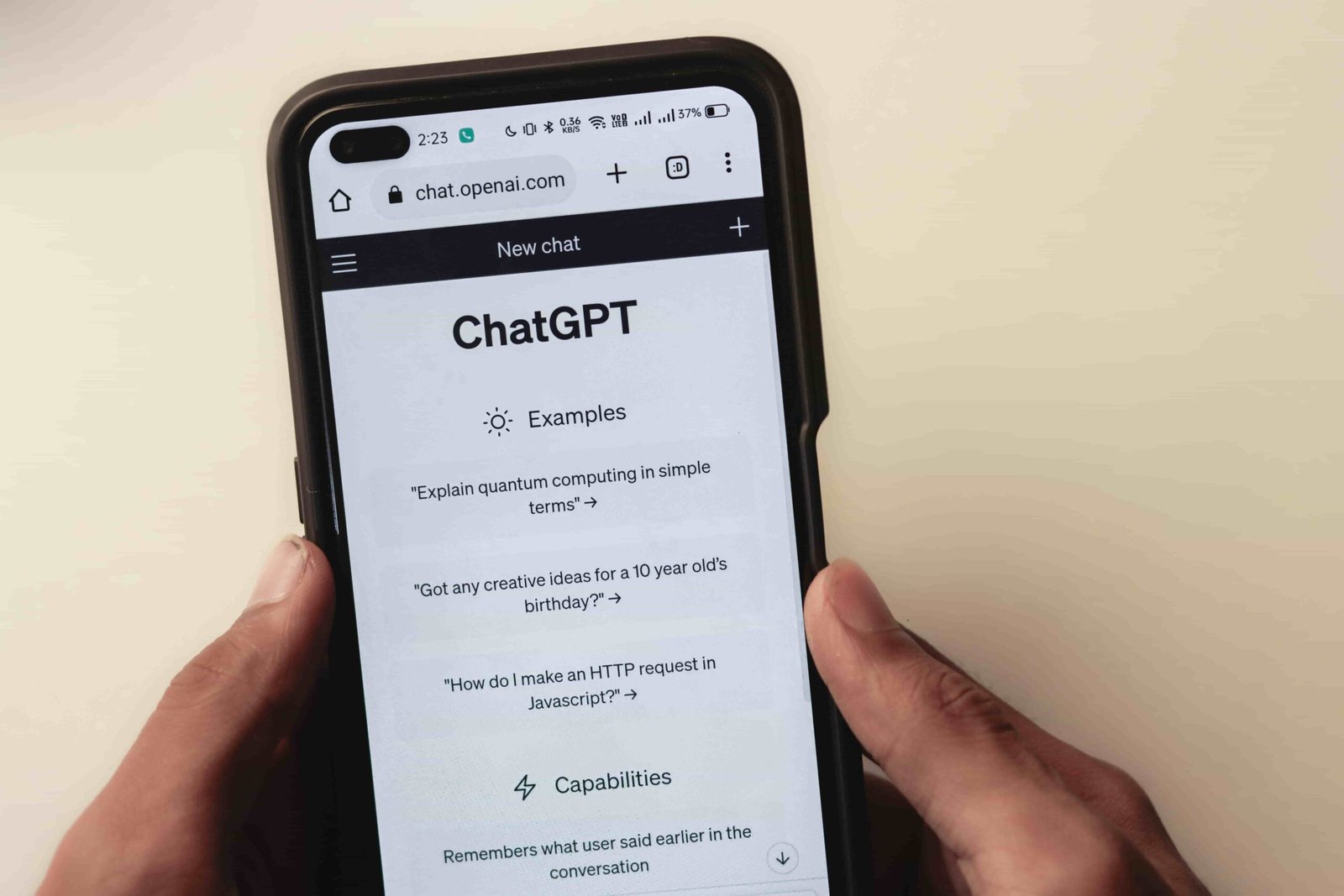
Artificial intelligence is beginning to reshape how people browse the internet. Instead of manually searching for information across multiple websites, users are increasingly relying on AI assistants that can analyze content, summarize pages, and automate tasks.
On October 21, 2025, OpenAI introduced ChatGPT Atlas, an AI-integrated web browser built on the Chromium framework. Unlike traditional browsers, Atlas embeds ChatGPT directly into the browsing experience, allowing users to ask questions about web pages, generate summaries, and even complete complex tasks automatically.
The announcement quickly caught the attention of the tech industry and financial markets. Shares of Alphabet Inc., the parent company of Google, briefly dropped about 5% following the news, reflecting investor concerns that AI-powered browsers could challenge traditional search engines.
While the market reaction stabilized quickly, the release of ChatGPT Atlas signals a major shift in how people may interact with the web in the coming years.
What Is ChatGPT Atlas?
ChatGPT Atlas is an AI-first web browser designed to combine traditional browsing with conversational intelligence.
Instead of opening a search engine and typing queries, users can interact with ChatGPT directly inside the browser. The AI can read the content of a webpage, summarize key points, answer questions, compare products, and assist with online tasks.
Because Atlas is built on Chromium, its interface feels familiar to users of Chrome or other Chromium-based browsers. However, it introduces several new capabilities that traditional browsers lack.
The most important difference is that the AI assistant becomes a central part of the browsing interface, not just an optional tool.
Key Features of ChatGPT Atlas
Ask ChatGPT Sidebar
Atlas includes a persistent AI sidebar that lets users ask questions about the page they are currently viewing.
For example, while reading a long article, users can ask the AI to:
- summarize the main points
- explain complex topics
- translate content
- extract key data
This reduces the time required to analyze long or technical content.
Agent Mode (Premium Feature)
One of Atlas’s most advanced capabilities is Agent Mode, which introduces autonomous AI actions.
Instead of simply answering questions, the AI can perform tasks on behalf of the user. Examples include:
- booking flights or hotels
- filling out online forms
- comparing product prices across websites
- organizing documents in cloud storage
This functionality reflects the growing trend toward agentic AI, where systems can execute multi-step tasks rather than just generate text responses.
Memory and Personalization
Atlas includes a memory system that stores user preferences and interaction patterns.
This allows the browser to provide more personalized recommendations and responses over time. For example, the AI may remember preferred writing styles, commonly visited topics, or research interests.
Users remain in control of this feature. Memory settings can be disabled or cleared at any time through privacy controls.
Cross-Platform Expansion
The first version of Atlas launched on macOS, but OpenAI has announced plans to release versions for:
- Windows
- iOS
- Android
Users can also import bookmarks, saved passwords, and browsing history from browsers like Chrome or Safari, making the transition easier.
How to Install ChatGPT Atlas
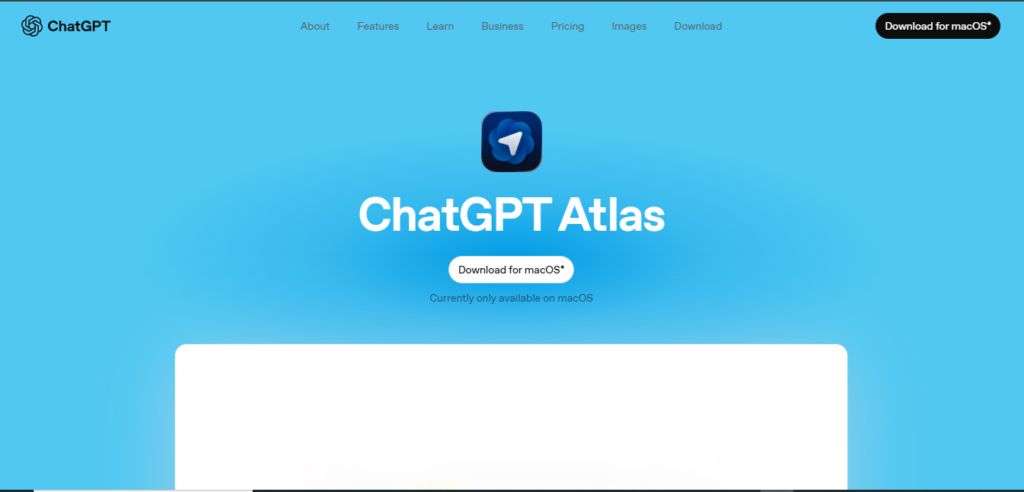
Installing ChatGPT Atlas is straightforward.
- Visit the official Atlas download page.
- Download the macOS installer.
- Drag the application into the Applications folder.
- Sign in using your ChatGPT account.
- Import bookmarks and configure privacy settings.
The setup process typically takes less than two minutes, allowing users to migrate their browsing environment quickly.
Why ChatGPT Atlas Could Transform Web Browsing
Traditional web browsing is centered around search engines. Users enter a query, browse multiple results, and manually compare information.
Atlas changes this model by turning the browser into an AI assistant that actively helps users navigate the web.
Instead of searching multiple sites, a user might simply ask:
“Find the best laptops under $1,000 and compare their battery life.”
The AI can gather information from multiple sources, summarize results, and present a concise comparison.
This shift could impact several industries, including:
- search engines
- digital publishing
- online advertising
- SEO strategies
If AI browsers become widely adopted, the way people discover content online could change significantly.
Market Reaction and Industry Impact
Following the Atlas announcement, Alphabet’s stock temporarily dropped around 5%, wiping out nearly $160 billion in market value before rebounding.
Investors interpreted the launch as a potential threat to traditional search models dominated by Google.
However, analysts believe the competition may accelerate innovation rather than replace existing platforms. Google is already integrating AI features into Chrome through its Gemini assistant.
As a result, the browser market may enter a new phase where AI-powered browsing becomes standard.
Privacy and Security Concerns
While Atlas offers powerful automation features, it also raises new privacy and security questions.
Agent Mode, for example, can interact with websites and complete tasks automatically. This means the browser may handle sensitive actions such as submitting forms or managing accounts.
OpenAI states that Atlas includes strong privacy protections, including:
- transparent data controls
- user-managed memory settings
- permission reviews for autonomous actions
Cybersecurity experts recommend that users carefully review permissions before allowing AI agents to interact with websites automatically.
ChatGPT Atlas vs Chrome and Edge
Atlas differs from traditional browsers in several key ways.
Chrome is primarily designed around search and web navigation. Microsoft Edge integrates AI through Copilot, but its capabilities remain largely assistant-based.
Atlas goes further by introducing:
- built-in AI task automation
- persistent contextual assistance
- memory-based personalization
In other words, Atlas treats AI not as a feature but as the core engine of the browsing experience.
What’s Next for ChatGPT Atlas?
OpenAI has indicated that Atlas will continue to evolve with additional features and integrations.
Future updates may include:
- mobile versions of the browser
- developer APIs for custom AI tools
- plug-ins and extensions
- enterprise versions with enhanced security
If these plans succeed, Atlas could become a central platform for AI-driven productivity and research.
Conclusion
The launch of ChatGPT Atlas represents a significant step toward AI-first browsing. By combining search, conversation, and automation within a single interface, OpenAI is experimenting with a new way for people to interact with the internet.
Whether Atlas becomes a mainstream browser or simply influences existing platforms remains to be seen. However, its introduction highlights a broader trend: the web is gradually shifting from static pages and manual searches to intelligent systems that help users navigate information automatically.
As AI technologies continue to evolve, browsers may become less about opening websites and more about collaborating with digital assistants to accomplish tasks online.
FAQs
What is ChatGPT Atlas?
ChatGPT Atlas is an AI-powered web browser developed by OpenAI that integrates ChatGPT directly into the browsing interface.
When was ChatGPT Atlas released?
The browser launched on October 21, 2025, initially for macOS devices.
What is Agent Mode in ChatGPT Atlas?
Agent Mode allows the browser’s AI assistant to perform multi-step tasks such as booking flights, comparing products, or filling out forms.
Is ChatGPT Atlas free to use?
Yes. A free version is available, while premium plans unlock advanced features like Agent Mode and memory personalization.
Could ChatGPT Atlas replace Chrome?
Atlas introduces a new AI-centric browsing approach, but it is too early to determine whether it will replace traditional browsers.