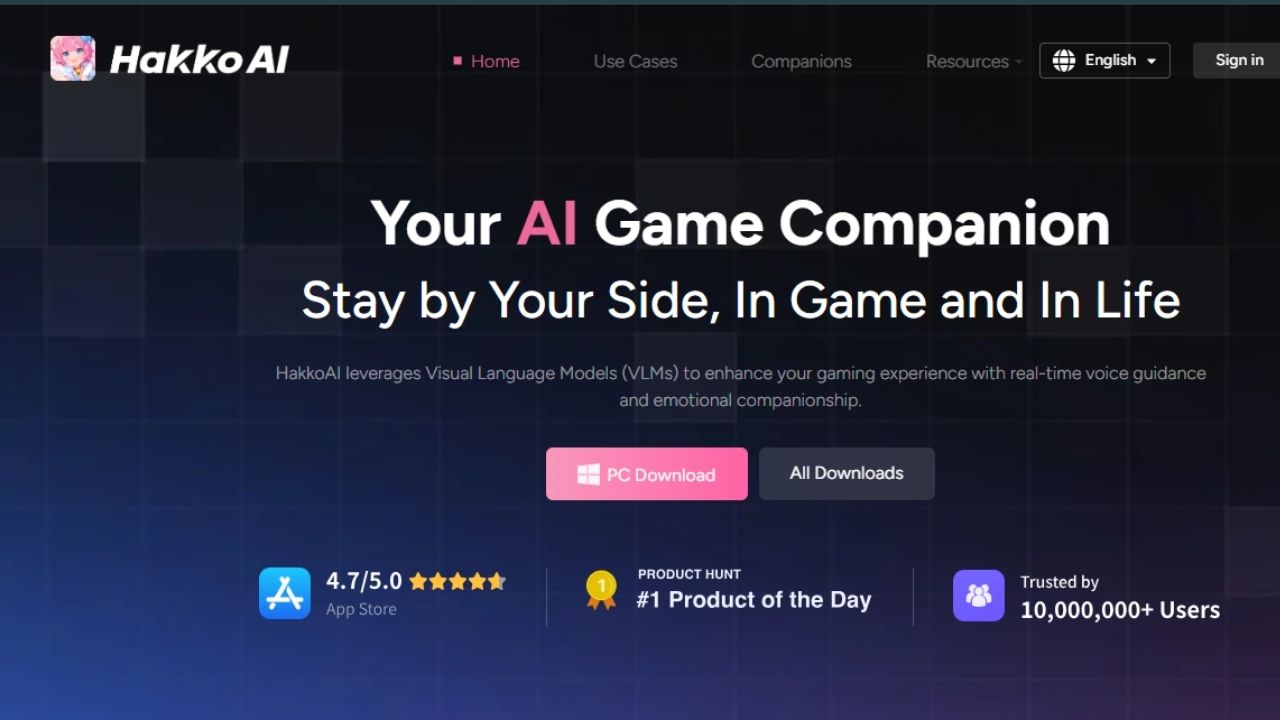
Hakko AI (written HakkoAI by its maker) is an anime-style AI companion for Windows PCs and phones. It chats with you, talks to you on voice calls, and gives game tips by recognising what’s on your screen. It comes from HAKKO AI PTE. LTD. in Singapore, and it’s free to start, with Pro and Ultra plans on top.
Nothing we found suggests malware or fraud. But the question most people are really asking is how much of their screen it sees, and on that point Hakko’s own documents disagree. Its pricing page says screen sharing is a paid feature. Its privacy notice, updated June 12, 2026, says the PC app switches on a “restricted image recognition function” by default. Our verdict is Caution: fine to use, as long as you check that switch yourself.
Last checked: October 3, 2026. Correction: an earlier version of this article said screen recognition was limited to paid plans. Hakko’s current privacy notice says otherwise for the PC app, so we’ve rewritten that section. How we checked is explained near the end.
Hakko AI review: two official pages, two different answers
On the pricing page, the FAQ says the free plan includes “basic daily conversations” and that paid plans unlock screen sharing and real-time game help. The Pro and Ultra plan cards both list “Universal Vision” as a paid feature.
The privacy notice describes something narrower but always on. Here’s what it says, in plain terms:
- On PC, image recognition is on by default. It captures only the app window that’s currently in focus, not your whole display or other windows, and you can switch it off.
- On phones, screen sharing is off by default and needs your explicit consent each time it’s switched on.
- Screenshots collected this way are kept for three days, then deleted automatically.
- Screenshots you send into the chat yourself are stored permanently as part of your messages.
- Screen, voice and text processing runs on Hakko’s own model (LynkSoul) on its own servers, not OpenAI, Google or Anthropic. The exception is voice cloning, which may use ElevenLabs and collects a voiceprint.
We didn’t install the app, so we can’t tell you which description matches what a free PC user experiences today. Maybe the default capture feeds only basic features and “Universal Vision” is the fuller version. Maybe the paperwork is out of date. Either way, the safe assumption on a PC is that capture is on until you’ve confirmed it’s off.
Read one more line next to that three-day rule. Hakko’s Microsoft Store listing promises “multimodal long-term memory” with “no limit on retention time”. Raw screenshots may vanish after three days, but what the companion remembers about them doesn’t have to.
How to see what Hakko captured, and turn it off
This comes from Hakko’s own help FAQ, which explains it as a troubleshooting step rather than a privacy feature. It works for both.
- Check the log. On PC, click the character (or the floating orb), then “Expand Panel”. Entries called “Screen Recognition Playback” mean the companion captured your screen during that conversation.
- Switch capture off on PC. Right-click the character and open the screen sharing button in the middle of the menu. Turn the switches off, or leave on only the games you want help with. Hakko only reads apps on its shared-application list that are in the foreground.
- Switch it off on a phone. Go to Settings, General, and turn off the “Get Screen Game Information” switch. Your phone’s own screen-recording permission for Hakko can be revoked in system settings too.
- Mind the active window. Because capture follows the window in focus, minimise or quit Hakko before you open banking, work email or a password manager, unless you’ve confirmed capture is off.
- Don’t paste screenshots into the chat that you wouldn’t want kept. Those are stored permanently.
The Microsoft Store listing also notes that installing and running Hakko requires administrator privileges. That’s common for apps that draw over games, but it’s another reason to download only from hakko.ai or Hakko’s own store listings, never from a mirror site.
What Hakko AI costs, and the auto-renewal change
| Plan | Price | Screen recognition (“Universal Vision”) |
|---|---|---|
| Free | $0 | Not listed; 30 minutes of voice calls a day |
| Hakko+ Pro | $9.99 a month or $99.99 a year | Yes, plus 120 minutes of calls a day |
| Hakko+ Ultra | $19.99 a month or $199.99 a year | Yes, plus unlimited calls and Romantic Mode |
Prices are from Hakko’s pricing page and match its Microsoft Store listing (checked October 3, 2026). Both paid plans start with a free three-day trial that converts to a paid plan unless you cancel. Hakko’s FAQ adds a detail that catches older users: anyone who subscribed before app version 1.1.1.0 had no auto-renewal, but anyone who subscribed or upgraded after it has auto-renewal switched on by default.
To cancel on PC, go to Settings, Account, press “Manage” and choose Cancel Subscription, then confirm. The second route is Settings, Account, Payment, Manage, which opens a Stripe page with its own Cancel Subscription button. If you subscribed through Apple or Google, cancel in that store. Refunds are handled under Hakko’s terms, and its older FAQ says it doesn’t refund a change of mind or a purchase on the wrong account. Treat the trial as your test period.
Is Hakko AI safe to install? Other things to know
Advertising. Hakko says it doesn’t hand your chats or screenshots to other AI companies. Its privacy notice does say it runs interest-based advertising and may share a hashed email or user ID with ad partners and social networks. That’s normal for a free app, but it isn’t “private” in the strictest sense.
Mature content. Ultra includes a Romantic Mode for “intimate chats”. The privacy notice says the service isn’t for children under 13, and voice cloning is barred for under-18s. Parents of teen gamers should know the paid tiers go beyond game tips.
Features moving behind the paywall. Users have complained that things they used on the free tier, such as auto-play voice messages, became paid extras. Today’s pricing page lists auto-play under Pro. Don’t pay for Hakko assuming the free tier will stay the same.
Deleting your account. On PC, open Settings, go to Profile, choose Delete Account and confirm with an emailed code. Hakko says your character chats, game companion records and membership benefits are then permanently removed. That doesn’t cancel a store subscription, so cancel first.
If screen-watching tools worry you in general, our reviews of Comet AI browser and Poly AI cover similar trade-offs, and our Voicemod review looks at another app gamers install alongside their games.
How we checked this
On October 3, 2026 we read Hakko’s privacy notice (updated June 12, 2026), its pricing page and pricing FAQ, its help FAQ, its homepage and its Microsoft Store listing. We didn’t install Hakko or create an account, so we haven’t tested what the PC app captures by default, how fast it responds, or how it affects frame rates. Those points rest on Hakko’s documents and on user reports, as stated.
Prices and features change often. Check the official site before you pay. Datalevo isn’t affiliated with or paid by any company mentioned here. Research and drafting were AI-assisted, and every figure was checked against the linked sources. Our full process is on the How We Review page.
FAQs
What is Hakko AI?
Hakko AI is an anime-style AI companion app for Windows and phones, made by HAKKO AI PTE. LTD. in Singapore. It chats, takes voice calls and gives game tips by recognising what’s on your screen.
Does Hakko AI record my screen?
Its privacy notice says the PC app captures the active app window by default and keeps those screenshots for three days, while phones ask for consent first. You can check its “Screen Recognition Playback” log and switch capture off in the screen sharing menu.
Is Hakko AI a virus?
We found no evidence that it is. It’s a real app sold through hakko.ai, the Microsoft Store and app stores. It does need administrator rights to install on Windows, so only download it from those official sources.
How much does Hakko AI cost?
There’s a free plan. Hakko+ Pro is $9.99 a month or $99.99 a year, and Ultra is $19.99 a month or $199.99 a year, each with a three-day free trial that renews automatically (checked October 3, 2026).
How do I cancel Hakko AI?
On PC, open Settings, then Account, press Manage and choose Cancel Subscription. You can also cancel through the Stripe page under Account, Payment. App store subscriptions are cancelled in Apple or Google settings.
What happens to my data if I delete my account?
Hakko says character chats, game companion records and membership benefits are permanently removed. Deleting the account doesn’t cancel a subscription, so cancel first.